zclaw docs
chapter 0
The 888 KiB Assistant
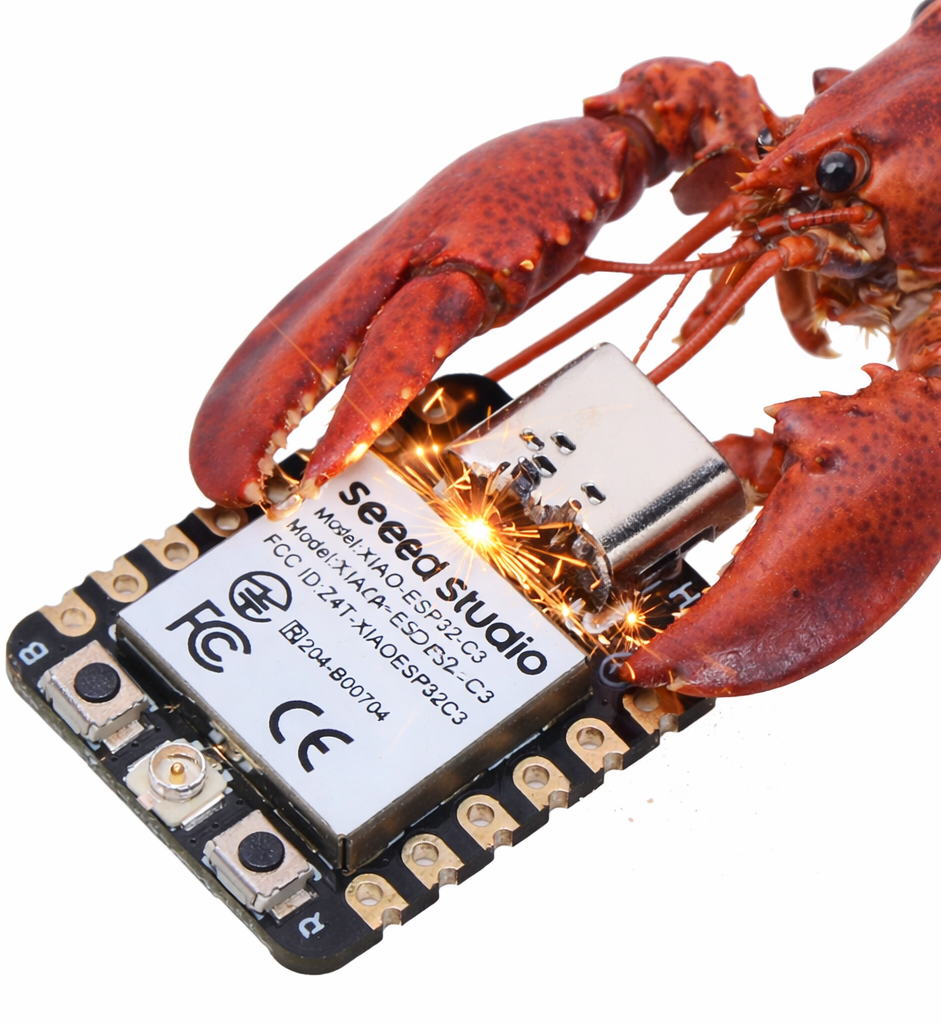
zclaw is an ESP32-resident AI agent written in C. It runs as a practical assistant over Telegram or host relay, with scheduling, GPIO control, memory, and a tight firmware budget.
Enjoy with zclaw
- "Remind me in 20 minutes."
- "Water the plants every day at 8:15."
- "Set GPIO 5 high."
- "Remember that my office sensor is on GPIO 4."
You send plain language, zclaw maps to tool calls, firmware executes on silicon.
You: In 20 minutes, check the garage sensor
Agent: Created schedule #7: once in 20 min -> check the garage sensor
What "888 KiB" Means
The 888 KiB target is an all-in firmware cap, not just zclaw application logic. It includes app code plus ESP-IDF/FreeRTOS runtime, Wi-Fi/networking, TLS/crypto, and cert bundle overhead.
Current default esp32 build (grouped image bytes from idf.py -B build size-components):
| Layer | Size | Share |
|---|---|---|
zclaw app logic (libmain.a) | 39,276 bytes (~38.4 KiB) | ~4.6% |
| Wi-Fi + networking stack | 378,624 bytes (~369.8 KiB) | ~44.4% |
| TLS/crypto stack | 134,923 bytes (~131.8 KiB) | ~15.8% |
| Cert bundle + app metadata | 98,425 bytes (~96.1 KiB) | ~11.5% |
| Other ESP-IDF/runtime/drivers/libc | 201,786 bytes (~197.1 KiB) | ~23.7% |
Total image size from this build is 853,034 bytes; padded zclaw.bin is 853,184 bytes (~833.2 KiB), leaving 56,128 bytes (~54.8 KiB) under the 888 KiB cap.
Read This Manual In Order
Chapter 1 · Getting Started Bootstrap install, flash, provision, and first successful boot. Chapter 2 · Tool Surface Current built-in tools and scheduling behavior, including one-shot jobs. Chapter 3 · Runtime Anatomy Task model, queues, LLM path, and practical constraints. Chapter 4 · Security & Ops Safety defaults, flash encryption, and production handling guidance. Chapter 5 · Build Your Own Tool Design, create, validate, and maintain custom natural-language tools. Chapter 6 · Local Dev & Hacking Practical local iteration loops, provisioning profiles, and debug workflows. Chapter 7 · Use Cases Useful and playful ideas that are only practical when the assistant lives on your device. Chapter 8 · Local Admin Console USB-local recovery and bring-up commands that work without Wi-Fi or the LLM. Chapter 9 · Changelog Release notes and a timeline of what changed across versions.
Project Character
- Language/runtime: C + ESP-IDF + FreeRTOS.
- LLM backends: Anthropic, OpenAI, OpenRouter, Ollama (custom endpoint).
- Interface: Telegram and optional host web relay.
- Recovery plane: USB local admin commands keep the board operable in safe mode and before network bring-up.
- Philosophy: ship useful automation under strict resource bounds.